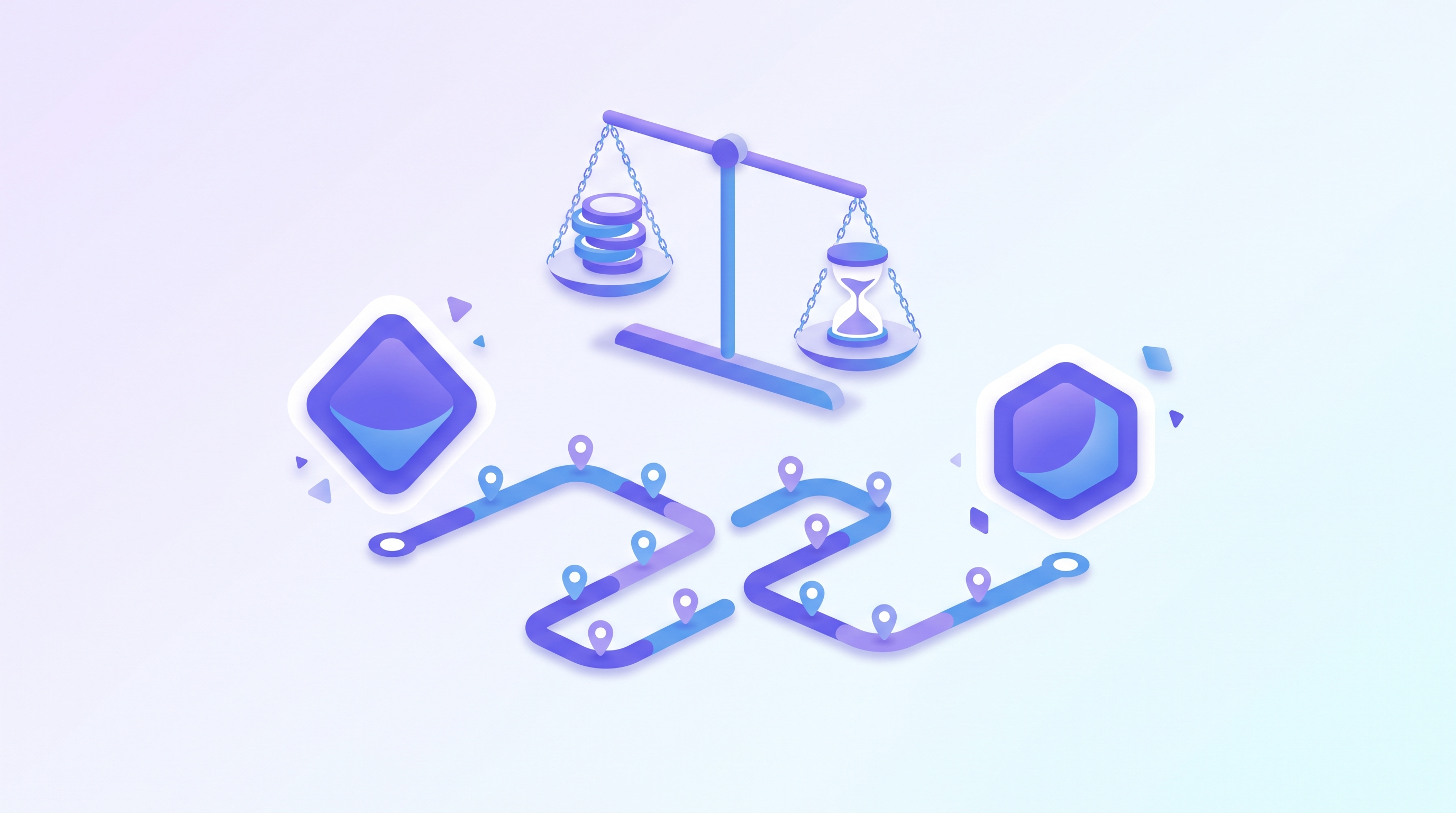

Which Gemini 3.8 Live model should you pick, standard or extended thinking? In LiveKit's A/B test, the standard version is enough for simple tasks. Extended thinking is slower, but on a complex task the author thought the result was better, and it narrates its progress as it works. One thing to watch: in extended thinking, turn complete only means one segment has been spoken, not that the whole job is finished.
A LiveKit developer connected the same voice agent to the two models in turn and gave each the same drawing instructions. What follows is organized from that test, with a focus on the trade-offs when you choose a Live model for a voice agent.
Simple Tasks: Standard Is Faster, and You Do Not Need Extended Thinking
The first instruction was to draw a yellow circle with a blue border. The standard version replied that it had finished drawing, and the extended thinking version completed it as well.
The difference was speed. According to the video, extended thinking takes longer because a separate model does the thinking in the background. The conclusion is just as direct: if the task is supposed to be fast anyway, you do not need this model.
The video gives no latency figures in seconds, so how much slower it is has to be measured in your own environment.
Complex Tasks: Extended Thinking Talks While It Works
The second prompt was harder: draw a pelican riding a bicycle up a mountain.
The standard version opened by saying it would start with the pelican's expression, then went straight to reporting it was done, with no step-by-step explanation along the way. The extended thinking version talked as it worked: the mountain should be steep so the effort of climbing shows; add a gradient to the sky and the mountain for depth; put the pelican on the bicycle and then add motion lines; finally, the bicycle's spokes and frame.
The video author's subjective view is that the extended thinking result looked better, and that it kept describing what it was doing throughout. That is his impression; the video offers no scores or objective metrics.
For a voice product, this matters beyond image quality. Hearing progress while you wait may feel different from facing silence (this is our inference; the video did not test user perception).
turn complete Does Not Mean the Task Is Over
If you have worked with Live-style streams, you may be used to treating turn complete as the signal that this turn has ended.
The extended thinking model in the video does not behave that way. The server sent turn complete after each progress explanation, then more audio arrived, and the tool call came later still. In other words, turn complete only means one segment of output is done, while the background work continues.
By that reasoning (the video does not say this explicitly), if your code decides the task is complete on the first turn complete, it may finish early, before the tool call has actually arrived.
The video's point is that you do not have to write your own state machine. LiveKit's Google plugin already handles the output lifecycle, and the shape of the session, the tools, and the transcripts is the same across both models. Model behavior changes; the application structure does not.
Switching Models Takes One String
The demo in the video uses an environment variable to decide which model to use, and that value is passed into the realtime model call. The tool itself is ordinary LiveKit code: the model sends a subject and complete SVG markup, and the tool writes the SVG out. The rest is the standard agent server skeleton: create an agent session, start it with an agent and a room, connect, and run the server.
To try it, install the LiveKit Google plugin, prepare a Google API key and LiveKit credentials, then pick the model that fits your scenario.
Voice Agent Model Selection: Standard or Extended Thinking?
The video's conclusion splits into two paths.
If the tool input is simple and the shortest path matters most: start with standard Gemini 3.8 Live.
If the model has to do something more complex before calling a tool: test extended thinking on your own task, listen for whether it performs better, and then judge whether the better output is worth the extra time and latency.
The video's observation in the drawing demo is that the standard version completed a successful tool call earlier, while extended thinking came later but gave more visible explanation of its work before sending the SVG.
The video ends with this advice: same agent, change one string, then measure the behavior that matters to you in your own session.
FAQ
What is the difference between Gemini 3.8 Live and the extended thinking version?
In the video's test, extended thinking is slower because a separate model does the thinking in the background, and it keeps narrating its progress along the way. The standard version completed its tool call earlier.
Does Gemini Live turn complete mean the whole task is finished?
No. In the video, extended thinking sent turn complete after each progress segment, more audio followed, and the tool call appeared later.
Do I need to write my own state machine for extended thinking?
The video says no, because LiveKit's Google plugin already handles the output lifecycle. This is the video author's explanation for LiveKit; if you use another framework, please verify it yourself.
How much more does extended thinking cost, and how much slower is it?
The video gives no latency figures in seconds and no prices, and this article does not guess. Please measure in your own scenario.
How do I switch between the two Gemini 3.8 Live models?
The video's demo uses an environment variable to choose the model. Changing one string is enough, and the rest of the program structure stays the same.
Source Statement
Video title: Gemini 3.8 Live vs Extended Thinking: Which one should you choose? Channel: LiveKit. Link: https://www.youtube.com/watch?v=q5yF-r_CV_o. Publication date: 2026-09-15.
This article is a rewrite and summary organized from that video, not a sentence-by-sentence translation. Opinions and test results belong to the original channel. The video subtitles are auto-generated, so model names and other proper nouns may be misheard; please rely on official documentation. The quality judgments in this article are the video author's subjective impressions and are not a performance guarantee.
Further Reading
Related articles are available on this site: a hands-on comparison of Opus 4.8 and Fable 5 building the same app with the same instructions, a comparison of GPT-6 Astra and Fable 5.1 across 15 real work tasks, and a same-job comparison of local AI and cloud AI.
Ready to Try a Different Model?
Before you switch models for your next task, check your balance and usage first, so later comparisons have a baseline to compare against. AI Token King offers a single key for multiple models, plus usage and balance queries. Whether Gemini 3.8 Live real-time voice is available on the platform depends on the platform's model list. Try AI Token King: aitokenking.com.tw/home