You say to the speaker, "Hey Mira, play some dream pop."
Music starts up, a synth tone with a bit of haze to it. You listen for a few seconds, then frown. "Skip this one."
"Skipped."
You ask, almost offhand, "What do you think of this song?"
"It's gentle."
That's Mira, a voice agent demoed on Google Cloud Tech's official channel. She listens, she can be interrupted, and she replies with almost no lag, more like a phone call than talking to an answering machine.
If you've ever built a voice app yourself, you probably know how hard that "phone call" feeling is to pull off. What most people ship on their first try is a voice-skinned answering machine: it waits until you finish your whole sentence, then reads out the answer, and if you try to cut in, it just keeps reading the script anyway. You'd assume the model just isn't smart enough. Actually, you picked the wrong architecture from the start.
Your Voice Bot Might Only Know How to "Read," Not "Listen"
Most voice AI runs on text-to-speech (TTS): you feed it text, it gives you back audio, one-way, one-shot. It can talk, but it can't hear you, and it doesn't even know whether you're still there.
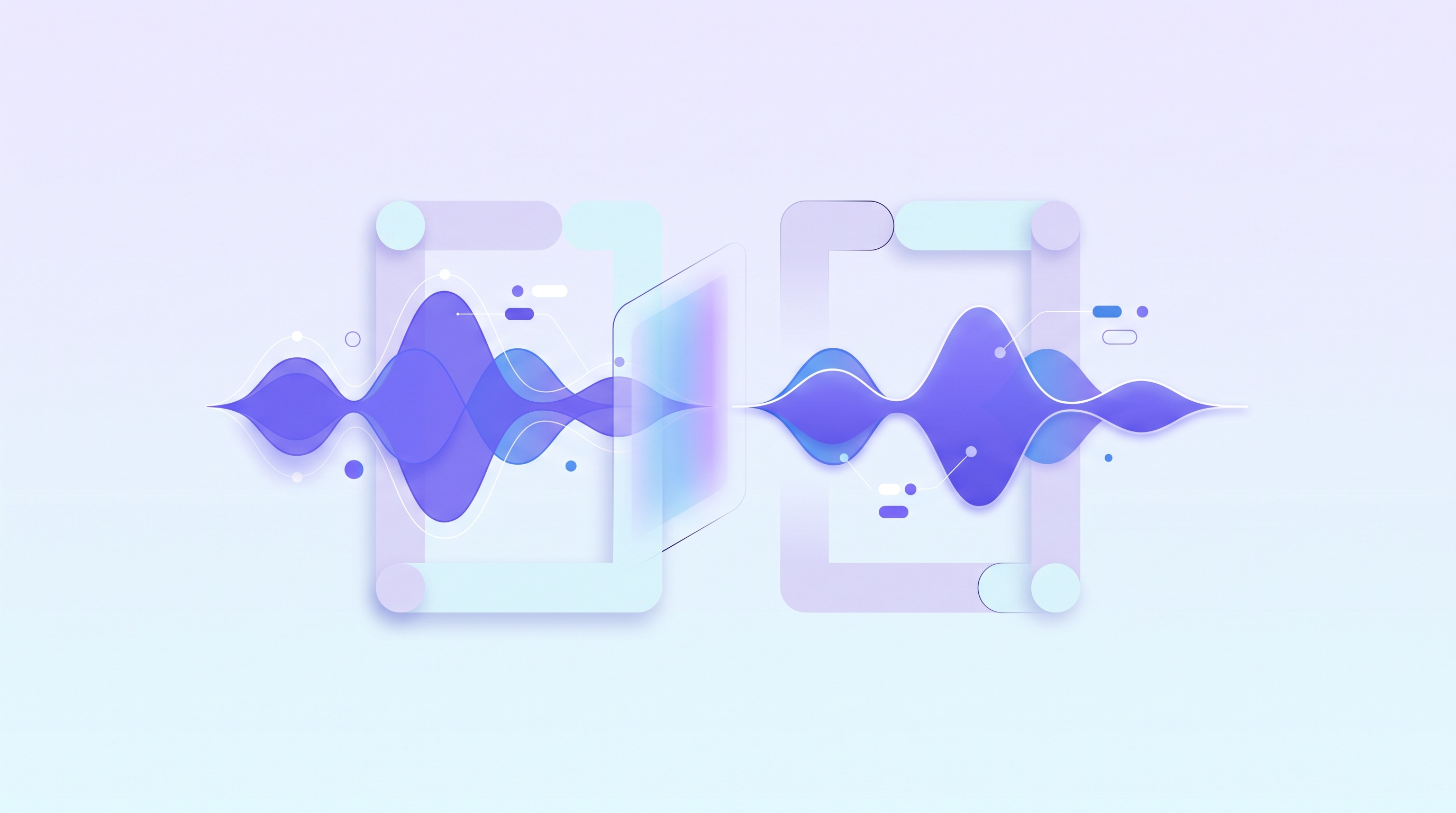
Gemini Live API works differently. It is voice-to-voice, bidirectional, and real-time: it takes your voice in as audio directly, and it replies directly in audio too. What it picks up on isn't just the words, it's the tone, the pauses, the emotion, all the things that disappear the moment speech gets turned into text. Even more important, it starts speaking while it is still forming the answer, instead of waiting until the whole thought is fully built. In one line: TTS reads, Live listens, and the answer gets generated as it is being spoken.
Open a Line That Never Hangs Up, and Only Then Can You Start Talking About a Conversation
The architecture has three pieces. The browser handles capturing and playing audio. Gemini Live is the core model. In between, a small backend keeps a persistent connection open with Gemini and forwards the raw audio through. Between the browser and the backend, it runs on WebSocket, not a normal web request that asks once and closes. This connection stays open the whole time, so audio can keep flowing in both directions.
The backend does two things at once: it sends microphone audio up, and it receives Gemini's voice back down. Neither task waits on the other, both run in parallel, and that is exactly what makes this "call" feel alive the whole time. The core loop is only four steps: open the connection, send audio, receive audio, play it back. At this point you have an agent that works, but "works" and "an actual conversation" are two different things.
Being Able to Talk Isn't Enough. She First Has to Learn to Hear That You're Done
Three things are still missing before it feels alive. The first: how does the model know you have finished talking? The answer is Voice Activity Detection, or VAD. The model keeps asking itself, constantly: is someone talking right now, or is it quiet? That is how it finds the start and end of your turn, and it is also why you keep streaming audio even during silence. The good news is that Gemini Live already has VAD built in, so you don't have to write that detection logic from scratch.
What Really Makes You Believe "This Is Alive" Is the Moment You Interrupt Her
The second thing is whether you can actually cut in, what the demo calls barge-in. A walkie-talkie can't do this. A real conversation can: you talk right over the other side mid-sentence, and they stop. The same VAD that detects the end of your turn also detects whether you are speaking while the model is talking. Once it picks that up, the model stops itself and sends out an "interrupted" signal.
What really makes the interruption feel instant is a detail that is easy to overlook. The app should stop whatever audio is playing locally the moment the microphone hears you start talking, without waiting for that signal to make a full round trip over the network first. Stop the playback first, then let the model catch up. Get this one step right, and interrupting feels like talking to a real person instead of a laggy machine.
Just Being Able to Talk Isn't Impressive Enough. You Have to Give Her Hands
The third thing is the ability to act. The model on its own can only talk. It can't play a song, skip a track, or press a button. So you give it tools. A tool is a function in your code, with a name and a description, representing one concrete action the model can ask you to carry out, like play this playlist, skip this song, pause the music.
When the model decides it needs a tool, it doesn't invent an answer to fill the gap. It says, in effect, "call this tool with these parameters." Your program then executes it and reports the result back, and the model continues from there. The model decides, the code acts. There is one rule here that matters a lot more for voice than for text: while a tool is running, the model just sits there and waits, so the tool has to run fast. If it takes too long, the whole conversation goes silent.
Getting It to Run Isn't the Same as Knowing What This "Call" Will Cost You
Put all three pieces together: VAD finds the edges of your turn, barge-in lets you cut in whenever you want, and tools let her actually do things. Run the whole agent, and it genuinely feels like a phone call.
But almost no tutorial warns you about this part: a bidirectional voice connection that opens once and simply stays open runs on a completely different usage logic than a one-question, one-answer text request. A text chat does nothing while it sits quiet. A connection that keeps streaming so it can be interrupted at any moment works in an entirely different way. That's not the problem this demo is trying to solve, but it is the bill you will eventually have to open up and look at before you move this into a real product. By the time your users are used to being able to interrupt anytime and you go back to run the numbers, it usually hurts a lot more than if you had put it on the checklist from day one.
From "Can Have a Conversation" to "Feels Like a Phone Call"
Back to that opening line, "Hey Mira, play some dream pop." What makes that moment work isn't how smart the model sounds. It's the details you would barely notice: she is listening the entire time, cutting in on her actually stops her, and she can genuinely reach out and skip the track. The moment you start building your own voice agent, what you need to watch isn't only whether it can talk. It's whether it understands the instant you interrupt it, and what that always-open connection eventually turns into on the bill. Put both of those into your first design, and what you ship won't just be a talking answering machine.
Frequently Asked Questions
Q1: How is Gemini Live API different from regular text-to-speech (TTS)? TTS is one-way: you give it text, it gives you audio, and it can't hear you or tell whether you are still there. Gemini Live is bidirectional and real-time, voice-to-voice, able to pick up on tone and pauses, and it starts speaking while it is still generating the answer.
Q2: How does voice interruption, or barge-in, actually work? It relies on Voice Activity Detection to tell both when your turn has ended and whether you are speaking while the model is talking. Once it detects an interruption, the model stops itself and sends an interrupt signal. On the app side, it is best to stop local playback the moment the microphone hears you start talking, so the interruption feels instant.
Q3: Do you need to build VAD yourself? No. Gemini Live already has Voice Activity Detection built in, so you don't need to build the mechanism that judges whether someone is talking.
Q4: Why does tool calling need to be fast in a voice agent? While a tool is executing, the model just waits, and if it takes too long, the conversation goes silent. Voice is far less forgiving of latency than text chat, so tools need to be designed to return results as quickly as possible.
Source: This article is adapted and rewritten from a video on Google Cloud Tech's official YouTube channel, Build a real-time voice AI agent with Gemini Live API, published 2026-08-26 with approximately 121,000 views, originally at https://www.youtube.com/watch?v=pFc-HcUgFgY. Descriptions of Gemini Live API's product capabilities follow what is shown in the original video. For actual features and pricing, refer to official Google Cloud documentation. This article does not constitute a technical implementation guarantee.
Related reads on aitoken.com.tw: What Is OpenAI Codex and How Is It Different From ChatGPT, Why Are AI Tokens So Expensive, What Is Claude Fable 5, Why Is Software Moving to Token-Based Pricing.
When you build your own voice AI agent, that connection which opens once and simply stays open will eventually show up on a bill. Do you want to see it clearly now, or wait until the invoice arrives before you go check? Try AI Token King for free at https://aitokenking.com.tw/home