
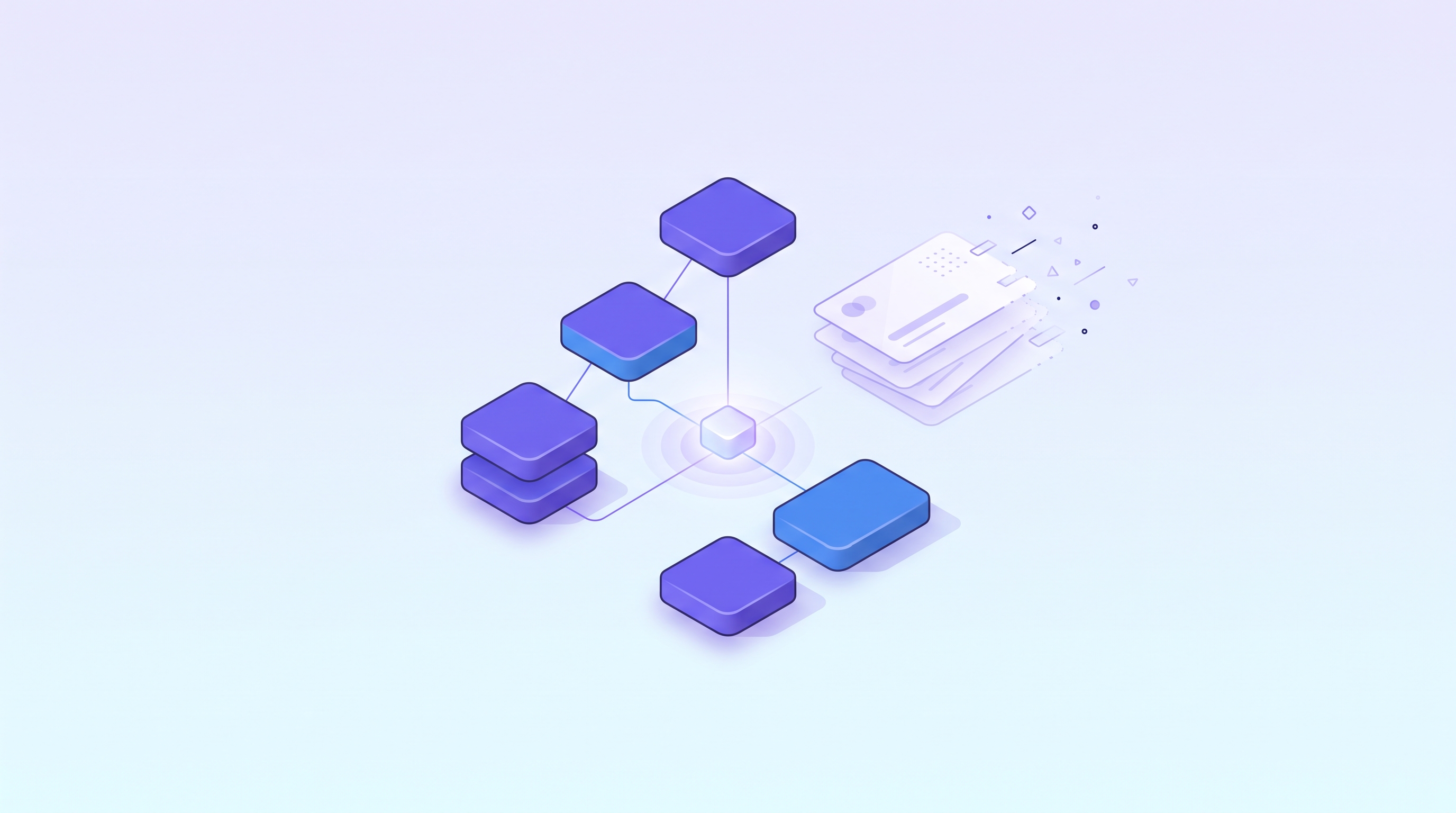
A self-hosted AI stack means handling model execution, fallback routing, content compression, app building, and coding agents with open-source tools running on your own machine or server. It may let you rearrange where your subscription money goes, but it won't bring the bill to zero: the cost shifts into hardware, maintenance time, and usage judgment. Below, based on a Fireship video, is a walkthrough of which stage each of the five tools covers.
Open this month's credit card statement and the subscriptions line up one after another: a code editor, a premium plan for one chat model, a premium plan for another, and an API key you signed up for two years ago and haven't thought about since.
Each charge looks reasonable on its own. Add them together, though, and one question comes up: could some of this be done on your own?
A video published by the Fireship channel on September 7, 2026 starts from exactly that thought. The presenter first tallied his own bill: Cursor at 20 dollars a month, and Claude Max, GPT Pro, and Gemini Ultra at 100 dollars each, for 320 dollars in total, which is where the "$320/mo" in the video's title comes from. These are the presenter's own personal expenses and don't represent what a typical user pays. He also mentions a service the transcript renders as "11 Labs" (probably ElevenLabs; the spelling from speech recognition still needs checking), DeepSeek, and a pile of forgotten API keys, without giving amounts. He then introduces five open-source tools that, he says, you can host yourself.
This article doesn't simply retell the video. It puts the five tools on a single line to show which segment each one guards, and under what conditions the bill actually shrinks.
What Is Ollama? The First Segment: Run the Model Yourself
According to the presenter, any AI stack needs a model first. He describes Ollama as something like "Docker for large language models": it offers a command-line interface and an API that let you download and run models on your own machine, which makes it especially handy for trying out open-weight models.
He stresses two benefits: your prompts never leave your machine, and inference itself isn't billed per use. (Our addition: this holds only for purely local inference. Once you route requests to a cloud model through a fallback tier, the content is sent to that provider.) He also points out the limit himself: most people's hardware can't run models near the state of the art. Small models run almost anywhere, but frontier-scale models need equipment closer to a small data center.
In other words, the first segment solves privacy and per-request cost, but turns the problem into a hardware threshold.
What Does Nine Router Do? The Second Segment: One Entry Point and Tiered Fallback for All Models
If local hardware can't run the big models, you need a way to switch between local and cloud models. The transcript calls this tool Nine Router (because the transcript is a speech-recognition product, the official spelling of this name still needs to be confirmed against the project page).
As the presenter describes it, it sits between your AI tools and the various model providers and offers a local endpoint with an OpenAI-compatible proxy, so you point your tools at localhost and no longer manage separate keys for each one. What he values most is the tiered fallback. As an example, he says the first tier could be a subscription you already pay for (such as Claude Max), the second a cheaper pay-as-you-go OpenAI model as a backup, and the third free sources, such as Chinese models and Vertex trial credits. When the first tier runs out, requests automatically move down to the next. He adds that it records usage and compresses tool output to reduce token consumption, though the video gives no specific savings figure.
What Is Headroom? The Third Segment: Slim Down What You Send Out
If you already burn a lot of tokens every day (the presenter mentions "billions per day" scale), he recommends a tool the transcript calls Headroom (name to be verified), positioning it as a "context compression layer" for AI agents. It sits between your app and the model provider and compresses tool output, logs, and other verbose content before it goes into the model, since whatever goes in is billed as input tokens.
He highlights one design point: the compression is reversible. The model receives a compressed version, while the original content is cached locally and can be retrieved when the model needs it. He uses an exaggerated joke to describe an agent reading far too much useless content; that is a punchline, not data, so this article doesn't cite it.
What Do Dify and OpenHands Handle? From Infrastructure to Applications
The first three are infrastructure. Next, the presenter turns to what you build with them.
Dify (the transcript writes it as "Diffy" in several places; name to be verified) is a visual builder where you drag nodes onto a canvas instead of cramming all the logic into a prompt. The presenter explains the flow: the app sends data, a visual workflow retrieves matching items from a database, a large language model then interprets the results, and the whole workflow is finally exposed as an API that the front end simply calls. The demo app in the video is a made-up joke project, unrelated to any real product.
The tool the transcript calls OpenHands (name to be verified) is, according to the presenter, an open-source autonomous software-development agent. He says it ranks near the top on SWE-bench verified (a benchmark built from real GitHub issues); that is the presenter's claim and hasn't been independently checked. You write the task as a GitHub issue and hand it off to work in the background. Because it runs on your own server, it can connect to OpenAI or Anthropic models, or to a local model you set up earlier with Ollama.
Does the Subscription Bill Really Disappear After Self-Hosting? It Just Gets Paid Somewhere Else
Put together, the five tools look tidy: Ollama supplies local models, Nine Router manages the entry point and fallback, Headroom compresses input, Dify builds applications, and OpenHands handles development.
But the video's title says "replaced," and the bill's logic works like this: that 320 dollars isn't eliminated, it is split up and distributed across several different kinds of cost.
The first is hardware or hosting. The presenter himself says most people's hardware can't run frontier models, and the fallback tiers he gives as an example also list existing subscriptions and pay-as-you-go cloud models as available layers. The second and third below are our own inference, not the presenter's claims. The second is maintenance time: you install, wire up, and update five tools yourself, and you handle the problems when they break. The third is judgment cost: deciding which use goes to which tier, and how much each tier is being used, is still up to you to decide and interpret (the presenter mentions that Nine Router records usage, but the video doesn't explain how to interpret it).
One more note to set aside: every claim in the video about results and savings, including the presenter's judgment that it is "cheaper and more productive," reflects his own experience, and the video provides no verifiable before-and-after data. So the right reading isn't "320 dollars becomes 0" but "here is a set of tools that may let you rearrange where your money goes."
Also, the video includes a Hostinger sponsorship, and the presenter mentions deploying these projects on its VPS. This article doesn't recommend that service and doesn't repeat any discount code; the place you self-host can be your own machine, a cloud server, or an internal company server, and the choice varies by person.
Back to That Bill
Looking back at the opening bill, what may be worth changing isn't necessarily the number of subscriptions, but whether you can answer three questions: Which uses truly require a frontier model? Which are fine with a small local model? How much does each tier actually get used?
(This paragraph is our own suggestion, not the presenter's.) If you can answer all three, a self-hosted stack is an option worth trying. If you can't, getting a clear view of your usage matters more than installing five tools. The next time the bill arrives, ideally what you see is something you arranged on purpose, not a number that piled up passively.
Frequently Asked Questions (FAQ)
Q1: Can these five tools really replace monthly AI subscriptions?
The presenter says he canceled his own subscriptions and switched to this self-hosted set, but that is his personal account, and the video provides no verifiable before-and-after cost comparison. His example fallback tiers also list existing subscriptions (such as Claude Max) and pay-as-you-go models as usable layers, so the safer reading is reallocation rather than everything going to zero.
Q2: How large a model can Ollama run locally?
The presenter says small models run on almost any machine, but near-frontier models need hardware equivalent to a small data center. The video doesn't say how much memory or how many GPUs are required, so assess that against the official requirements of the model you want to run.
Q3: Is Nine Router the tool's official name?
Not necessarily. The source for this article is a transcript produced by speech recognition, so the name Nine Router may contain spelling errors. Before using it, search official sources using its described features (a local OpenAI-compatible proxy, tiered fallback, usage tracking) to confirm.
Q4: Could Headroom's compression cause the model to miss important information?
The presenter explains that the compression is reversible: the original content is cached locally and can be retrieved when the model needs it. The video gives no data on actual results or the size of the savings, so test with your own real workload.
Q5: Do I need to use Hostinger from the video as well?
No. Hostinger is the video's sponsor, and the presenter used it as an example of where to deploy. This article doesn't recommend it or repeat its offers. You can choose any hosting environment you trust.
Source Disclosure
The core facts in this article are drawn from the video "5 open source tools that replaced my $320/mo AI stack..." published by the Fireship channel (The Code Report) on 2026-09-07 (https://www.youtube.com/watch?v=Y5rSSvXfL4g). The video is in English; this article reorganizes it by meaning rather than translating it word for word, and the transcript is a speech-recognition product, so tool names and some wording may be wrong and are marked in the text as needing verification. The monthly fees, tool capabilities, and SWE-bench performance are all the presenter's claims and haven't been independently checked. The video includes a Hostinger sponsorship. The jokes and exaggerations in the video (for example, alcohol sales, swimming pool water usage, and the made-up matchmaking app) are not cited as facts. This article adds no prices, performance figures, or savings percentages that the video doesn't mention.
Further Reading
How Much Does an AI Token Really Cost? Why Your AI Subscription Feels So Cheap
How to Cut AI Coding Token Costs: 5 Tested Money-Saving Tips (Using Claude Fable 5 as an Example)
Why Are AI Tokens So Expensive? Breaking Down the Autoregressive Mechanism Behind Coding Agent Costs
Why Is Software Starting to Price by Token? Procurement Logic and Cost Governance in the AI Agent Era
Want to See Which Models You Can Choose From First?
If you plan to connect several models in the same toolkit, you can start by checking AI Token King for the models currently available to your account and their pricing information, then decide which work goes to the cloud and which stays local.