
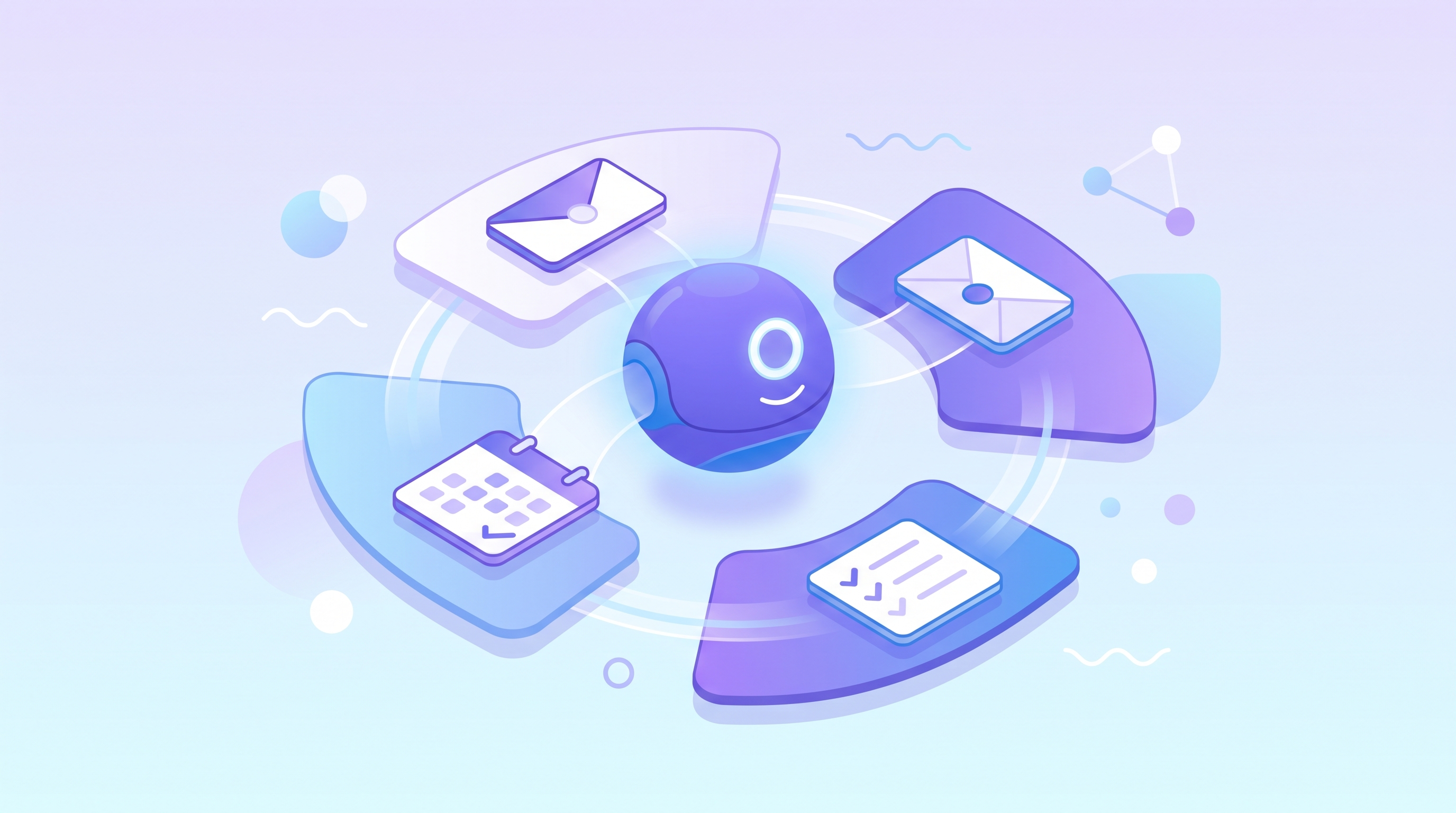
If you opened the iPhone free chart on the US App Store on September 18, 2026, you would have found a new number one. ChatGPT had been pushed down, and in its place was a brand-new Meta app, only ten days old, called Muse. Meta Muse is a cloud-based personal agent: it does not just answer questions, it browses the web, fills in forms, and places orders on its own computer in the cloud, then carries the task through to the end.
Beyond the Top Spot: How Muse Differs From a Chatbot
According to the Meta promo video as relayed in the source video, Muse is positioned as a personal agent. Most chatbots work on a question-and-answer basis. With Muse, you hand over a task, and it opens a browser, logs in to sites, and fills out a form field by field, stopping to ask you only at the moment it needs to pay or send an email.
The key is the architecture. Meta spins up a dedicated computer in the cloud for each person, so even if you close the app and shut down your own machine, Muse can keep working on that cloud computer. The video draws a contrast here: tools like Claude Code or Codex mostly borrow your own computer to run their tasks.
The app's chat screen is deliberately designed to look like a messaging app. A status bar at the top shows what Muse is doing, what it has finished, and what it plans to do next, and any action that needs your approval can be confirmed right there. Four tabs sit below it. Feed is a stream of posts Muse writes based on your interests, Ideas proposes tasks it could take on based on what you have talked about, Goals holds the objectives you care about and your progress, and Library stores the documents, PDFs, and interactive charts it has produced.
For now Muse is available only in the United States, on iPhone, Android, and the web, and you can also talk to it directly inside WhatsApp. A Mac version was added on September 17. Behind it runs Meta's own model, Muse Spark.
Pricing: Free, 20 Dollars, and 100 Dollars
The video lays out three plans. The free tier has a usage cap, but Meta has not said what that cap is. The Power plan costs 20 dollars a month and allows 500 million tokens per week. The Maximum plan costs 100 dollars a month and allows 3 billion tokens per week.
In an interview, Zuckerberg said free users get roughly 100 million tokens per week, and that the long-term business model would be to take a small cut of the transactions Muse completes for you or the money it saves you. That is his account from the interview, so treat Meta's later official announcements as the authority on how this actually works.
Letting an Agent Touch Your Inbox and Credit Card: How Is Security Handled?
This is the question most people care about. According to Meta's explanation as relayed in the video, Muse runs inside a dedicated Secure VM, and the data from the services you connect, along with your login credentials, is stored on that computer. On the same machine there is a second, system-level agent called Sentinel, kept separate from Muse. Without Sentinel's approval, nothing Muse does can reach the network.
For sensitive actions such as buying something or sending an email, Muse asks you first, and it remembers the permissions you have already granted. For passwords, Muse holds a stand-in, and the real password is swapped in only at the moment of the final submission. Payments go through Stripe Link, which issues a one-time card number that works only at that one store for that one amount. The merchant never sees your real card number, and every payment requires your approval.
The security design sounds thorough, but the video flags two caveats.
First, your conversations with Muse are used by default to train Meta's models. The company says it removes data that could identify you beforehand, and if you do not want your data used, you have to switch that off yourself in the settings.
Second, it does not work in every situation. One person who tried it the day after launch said she could not connect her company Outlook account, and the screen said it did not want you connecting work systems. The video notes that this was her own experience while testing, and that Meta's official documentation does not mention such a rule.
With Muse Around, Do You Still Need OpenClaw?
The video first gives a quick introduction to the two points of comparison. OpenClaw is an open-source AI agent that has become popular this year. It is installed on your own computer, and you give it instructions through a chat app to get things done. Hermes is a similar open-source product that you can also host yourself. Its distinguishing feature is that it remembers you, and after finishing each task it organizes what it learned into skills for next time.
The video's view is that they do the same kind of work as Muse, and the real difference is where that computer sits and who sets it up. Zuckerberg himself mentioned that when tools like OpenClaw appeared earlier this year, many people started buying Mac Studios and running them at home, but he does not think billions of people will do that, because setup is hard and memory is expensive right now. What Muse removes is exactly that stretch of buying a machine and configuring it yourself.
If you boil the video's conclusion down to trade-offs: if you want an assistant for everyday life and do not want to buy and configure a machine, Muse is clearly simpler. If you need to connect company systems, want to keep your data on your own machine, or are not in the United States, OpenClaw and Hermes are still the more practical choices for now. As for when Muse will open outside the US, Meta has given no timeline. The official help page says only that Muse is still in limited testing and has not opened in all regions, so it cannot yet be downloaded in Taiwan.
FAQ
Q1: What is Meta Muse?
A personal agent app from Meta that sets up a dedicated cloud computer for each user and uses it to browse, fill in forms, and place orders on their behalf, asking first before payments or emails.
Q2: How is Muse different from an ordinary chatbot?
Chatbots are mostly built around question and answer. Muse is an agent by default: it operates a browser on its own to complete tasks, and it can keep running in the cloud after you close the app.
Q3: What is the main difference between Muse and OpenClaw?
The video sees them as doing the same kind of work, with the difference being where the computer sits and who sets it up. OpenClaw is installed on your own computer, while Muse is set up for you by Meta in the cloud.
Q4: Can I use Muse in Taiwan right now?
According to the video, it is currently available only in the United States. It cannot yet be downloaded in Taiwan, and no next set of countries has been announced.
Q5: Are my conversations used to train models?
According to the video, yes by default. The company says it removes identifiable data first, and you can turn this off in the settings if you do not want your data used.
Source Disclosure
This article is adapted from a video published on September 20, 2026 by the YouTube channel 可波 AI 白話, titled 《上架十天擠下 ChatGPT 登榜首!Meta Muse 是「懶人版龍蝦」?跟 OpenClaw 差在哪》 (roughly, "Ten days after launch it knocked ChatGPT off the top spot! Is Meta Muse a lazy person's lobster? How does it differ from OpenClaw?"), at https://www.youtube.com/watch?v=Ol82S1UVt7E, with 332,897 views as checked at the time of writing. The plan prices, token allowances, security mechanisms, and Zuckerberg's remarks are all Meta's official content and interview statements as relayed by the video. They are not official data from this site or from AI Token King. Products may change at any time, so please rely on Meta's official announcements.
Further Reading
Related articles on this site: Meta Muse Spark 1.3 is live with unchanged standard pricing, but is the Contributor Tier, which offers a 12x to 21x discount in exchange for your code, worth it? Why do companies need AI token management even more now that OpenClaw is taking off? Why is software starting to charge per token, and what does it mean for procurement logic and cost governance in the age of AI agents? Why are AI tokens so expensive, and what does the autoregressive process reveal about how coding agents burn money?
Back to That Leaderboard
Looking back at the chart on September 18, a new number one is only the surface. The question worth taking away is this: to let an agent near your inbox and credit card, do you keep the computer in your own home, or let someone else set one up for you in the cloud? The former buys you control and control over where your data lives. The latter buys convenience, at the price of watching the default training setting and the limits on where it can be used. The next time an agent app shoots to the top of the chart, ask this question first, because it tells you more than the ranking does.
If what you care about is the list of models from different providers and their pricing, take a look at AI Token King at aitokenking.com.tw/home. According to its public documentation, one API key can be used to look up available models and their pricing information. The agent-style assistant features described above are outside the scope of its documentation.